
Fake Tech Support Scams: How to Spot and Stop Them
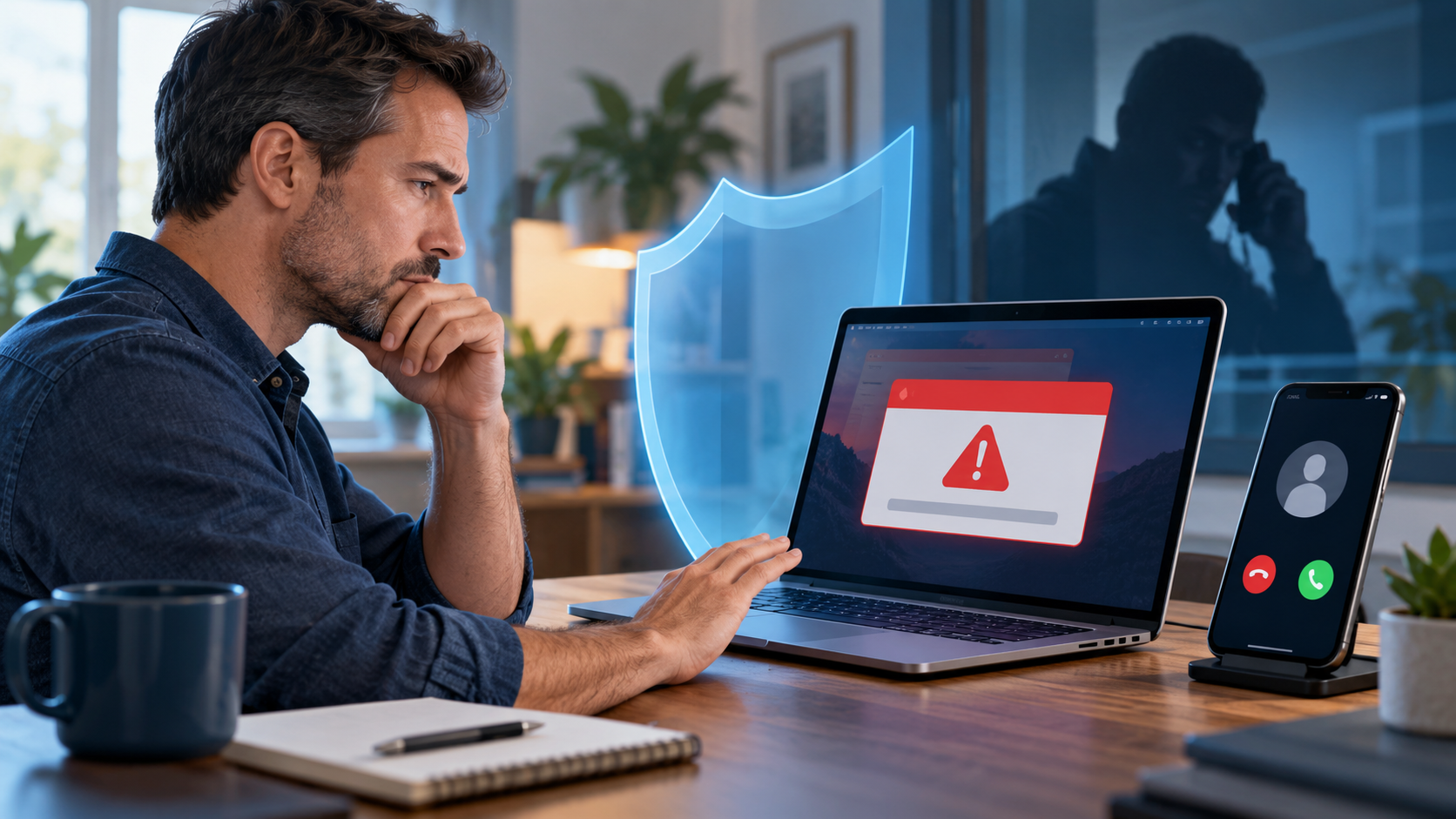
A warning suddenly fills your computer screen. It claims that Windows has expired, your device is infected, or your banking information is at risk. A phone number appears with instructions to call “technical support” immediately.
The message looks convincing and sounds urgent—but the warning itself may be the threat.
Fake tech support scams are designed to frighten people into calling a scammer, paying for unnecessary services, or granting remote access to a computer. Knowing what these scams look like can help protect your devices, personal information, and finances.
What Is a Tech Support Scam?
A tech support scam occurs when someone pretends to represent a legitimate technology company, financial institution, security provider, or support organization.
The scammer claims there is an urgent problem with your computer, phone, online account, or network. In reality, the supposed problem may not exist at all.
These scams commonly begin with:
-
A browser pop-up claiming that your computer is infected
-
A warning that Windows or your antivirus protection has expired
-
An unexpected call from someone claiming to represent Microsoft, Apple, or another familiar company
-
A text message or email warning that an account has been compromised
-
A message instructing you to call a support number immediately
-
A request to install remote-access or “security” software
The message is intended to create fear and urgency before you have time to verify what is happening.
What Do Tech Support Scammers Want?
Most fake tech support scams are intended to obtain one or more of the following.
Your money
The scammer may charge hundreds of dollars to repair problems that do not exist. Some demand payment through gift cards, wire transfers, cryptocurrency, or payment applications because those transactions can be difficult to reverse.
Your personal or financial information
The caller may request credit card information, banking details, passwords, verification codes, or other sensitive information. They may claim this information is needed to verify your identity, process a payment, or issue a refund.
Access to your computer
A scammer may ask you to install remote-access software that allows them to see and control your computer.
Once connected, the scammer may:
-
Search for financial or personal information
-
Copy files from the computer
-
Watch you sign in to online accounts
-
Install malware or additional remote-access tools
-
Change settings or passwords
-
Display harmless system information as supposed evidence of an infection
Remote access can remain a concern even after the phone call ends.
Warning Signs of a Fake Tech Support Scam
Be cautious when a caller, pop-up, email, or text message:
-
Claims that your computer is infected without having examined it
-
Uses frightening language or demands immediate action
-
Provides a phone number inside a browser warning
-
Contacts you unexpectedly and asks for remote access
-
Requests your password or a multifactor authentication code
-
Tells you not to contact your bank, family, or regular IT provider
-
Requests payment by gift card, cryptocurrency, or wire transfer
-
Claims to represent Microsoft or another company that detected a problem on your personal computer
-
Offers a refund but first needs access to your computer or bank account
A professional-sounding caller is not proof that the person is legitimate. Scammers often use scripts, convincing websites, official-looking logos, and spoofed caller ID information.
What Should You Do When a Warning Appears?
First, remain calm. Do not call the number, click the warning, or install anything it recommends.
Try these steps:
-
Close the browser tab or browser window.
-
If the browser will not close, use Task Manager in Windows to end the browser task.
-
Do not return calls made to you by supposed technical support representatives.
-
Contact your regular IT provider using a trusted phone number or website—not information provided in the warning.
-
If you are concerned about an account, visit the company’s website directly or call the number printed on a statement or the back of your card.
Closing a fraudulent pop-up normally does not require purchasing software or calling the displayed number.
What If You Already Gave Someone Access?
If you installed remote-access software, provided payment information, or shared a password, disconnecting the call may not be enough.
Take the following precautions:
-
Disconnect the computer from the internet.
-
Contact a trusted IT professional to inspect the device.
-
Do not remove evidence or continue using the computer for banking until it has been reviewed.
-
From a separate, trusted device, change passwords for affected accounts.
-
Begin with your email account because it may be used to reset other passwords.
-
Contact your bank or credit card company if financial information was shared.
-
Review recent account activity for unauthorized transactions.
-
Inform your employer if the computer contains business information or connects to business systems.
-
Consider reporting the incident to the Federal Trade Commission at ReportFraud.ftc.gov.
The appropriate response depends on what information was shared, what software was installed, and how long the scammer had access.
Protecting Your Business and Family
The most important defense against fake tech support scams is a simple rule:
Do not give remote access to anyone who unexpectedly contacts you or whose number appeared in a pop-up.
Legitimate support may use remote-access tools, but the session should be initiated through a company or technician you already know and trust.
Businesses should also teach employees to pause when a message creates fear or demands immediate action. Employees should have a familiar person or IT provider they can contact before following unexpected technical instructions.
When in Doubt, Stop and Verify
Tech support scams can happen to anyone, regardless of age or technical experience. The scammer’s advantage comes from creating panic and preventing careful thought.
If a warning, phone call, or message pressures you to act immediately, stop. Close the message and verify the situation independently.
Lofgren IT Consulting provides practical computer and technology assistance for homes and small businesses in Prescott, Prescott Valley, Chino Valley, Paulden, and other areas of Arizona. If you receive a suspicious technical-support warning or believe someone accessed your computer, contact us before continuing to use the affected device.
This article was inspired by security-awareness guidance from the SANS Institute’s OUCH! newsletter, authored by Jennifer Cox.
More news articles below: