
Smart Home Devices: Lock Them Down Before Cyber Criminals Do
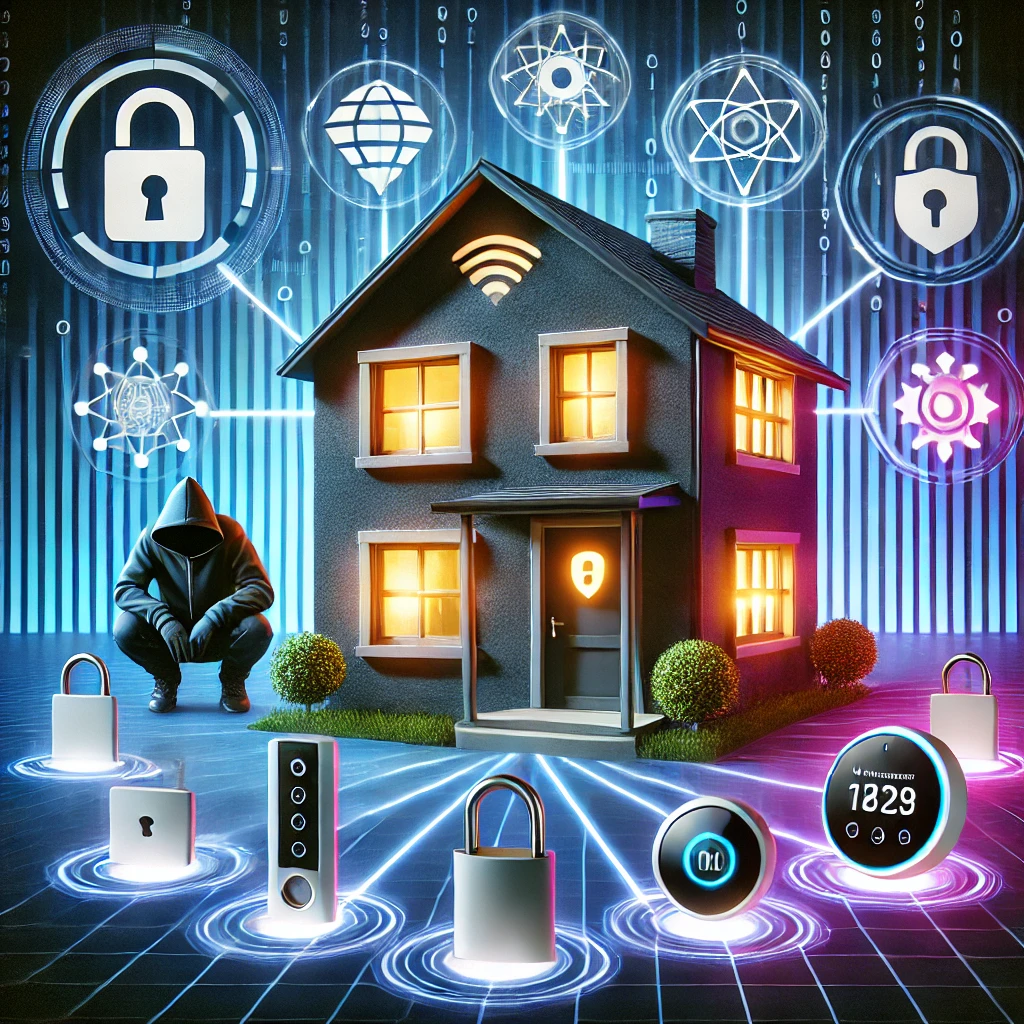
A Digital Nightmare: Cyber Criminals Inside Your Home
Sarah and her family were thrilled with their new smart home devices, enjoying the ease of controlling lights and locks with just a few taps or voice commands. However, their excitement turned to alarm one night when Sarah noticed her smart thermostat adjusting itself unexpectedly. Initially dismissing it as a glitch, she became concerned when the lights began flickering and the front door mysteriously unlocked.
The situation escalated when a stranger’s voice came through the baby monitor, describing her baby’s room in detail. At that moment, Sarah realized their sanctuary had been breached. Cyber criminals had taken control of their smart devices, compromising their privacy and safety. The thought of strangers watching her baby sleep left Sarah feeling vulnerable and exposed. This unsettling experience underscored Sarah’s need to secure her smart home devices, not only the technology but also the safety and peace of mind of her entire family.
What Are Smart Home Devices?
Smart home devices are internet-connected devices and appliances like thermostats, security cameras, smart locks, lights, and perhaps even your washing machine that make our homes more efficient, comfortable, and sometimes even more secure. These devices are controlled via apps, voice commands, or automated systems, offering unprecedented convenience.
However, the convenience they bring also comes with risks. Because these devices connect to the internet, they are vulnerable if not properly secured. When hacked, intruders can access your personal information, spy on your daily activities, and even control the physical devices inside your home.
Why Is It So Important to Secure Smart Home Devices?
Securing smart home devices isn’t just about protecting the gadgets themselves; it’s about safeguarding your entire household. Cyber attackers often look for the weakest devices they can find and start there.
Once compromised, a cyber attacker can use a hacked device to access other devices on your home network, steal sensitive data, or even unlock your doors. In an interconnected world, securing your smart devices is crucial to maintaining your personal safety, privacy, and peace of mind.
Smart Home Devices: Lock Them Down Before Cyber Criminals Do
Five Things You Can Do to Secure Your Smart Home Devices
- Change Those Default Passwords Immediately: Many smart devices come with default, factory-set passwords that are well known or easy for cyber criminals to guess. Change them to strong, unique passwords right away, and make use of a password manager to keep track of them.
- Enable Multi-Factor Authentication (MFA) – Because One is No Longer Enough: Some smart home devices require you to create an online account to access and manage your device. Protect these accounts with MFA, which adds an extra layer of security by requiring both a password and a unique one-time code sent to your phone. Cyber criminals hate MFA because it makes their job so much harder.
- Give Your Smart Devices Their Own Wi-Fi Network: Create a dedicated network for your smart devices, separate from your personal or work devices. On many Wi-Fi access points or routers, this is often called a Guest network. This helps isolate the devices and limits the damage if one device gets compromised.
- Update, Update, Update: Manufacturers regularly release updates to fix security vulnerabilities. Ensure your devices have the latest firmware and software updates to stay protected from emerging threats. The simplest way to do this is to enable automatic updating on your devices. Strongly consider replacing any device that is no longer supported or receiving security updates from its manufacturer.
- Disable Unused Features: Smart devices often come with a variety of features, many of which you may never use. The more features you have active, the more doors cyber criminals have to sneak in. Disable any unnecessary services, like remote access or voice commands, to minimize the entry points a cyber criminal could exploit.
Your smart home doesn’t have to become a playground for cyber criminals. By taking just a few steps, you can enjoy all that technology has to offer while sleeping better knowing you are in control.
Below is the link to the latest release:
https://www.sans.org/newsletters/ouch/smart-home-devices-lock-them-down-before-cyber-criminals-do/
Lofgren IT Consulting is continuing to be open for business. Shane Lofgren can be available for remote support and on-site as needed.
On-site visits: Face masks are available and encouraged. Hands are sanitized between clients
Need to offer remote access for employees or online client counseling? Let’s make the transition smooth, easy and secure.
Offering support on existing network and computers, security reviews, website design and maintenance.
More news articles below: